Real-Time Deal Notifications
Use Case Overview
| Key Model(s) and Fields | Supported Applications |
|---|---|
Opportunities opportunityName amount opportunityStage opportunityStatus closeDate | Salesforce CRM, HubSpot, MS Dynamics CRM, Zoho CRM |
This is a read integration. In this use case example, you can GET target resources to help users understand their pipeline health.
How to build this use case with Alloy's Unified API
1. Create a Connection
To get started, you'll need to first implement Alloy's Unified API and create a connection. A connection represents each time an end user links an app to Alloy's Unified API. See Getting Started in our Unified API Quickstart.
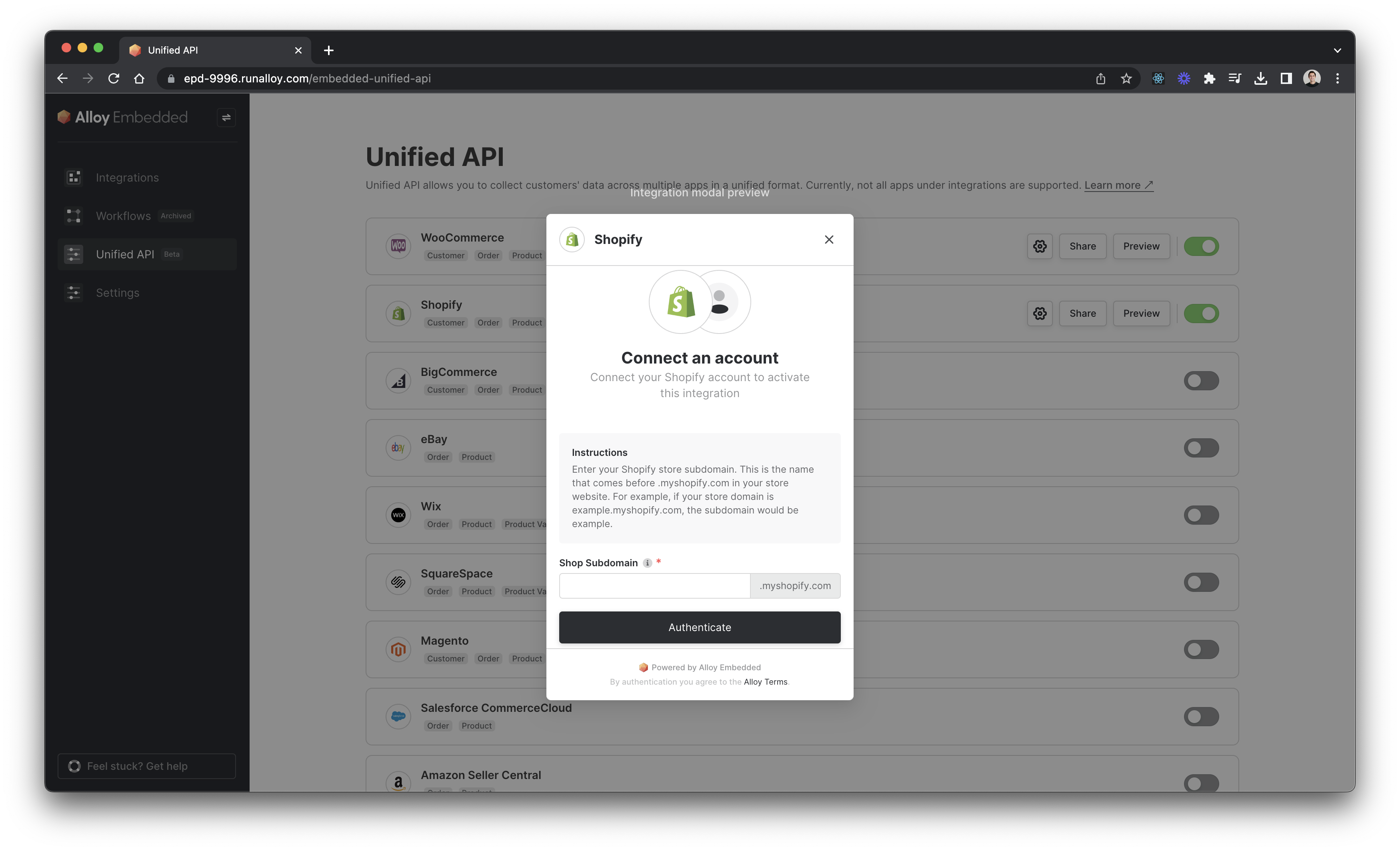
If you’ve already done this, read on!
2. Sync opportunities from your user’s CRM
Use the [GET List Opportunities] endpoint to sync all opportunities from your user’s CRM to your application. If you only want a subset of opportunities, you can filter by parameters like opportunityStage . The request payload should look something like this:
curl --request GET \
     --url 'https://embedded.runalloy.com/2023-06/one/crm/opportunities?connectionId=CONNECTION_ID&opportunityStage=Qualified' \
     --header 'Authorization: Bearer YOUR_API_KEY' \
     --header 'accept: application/json'
Which will return the following response:
{
  "opportunities": [
    {
      "remoteId": "0000000000000000000",
      "opportunityName": "Pied Piper Q4 Upsell",
      "opportunityDescription": null,
      "amount": 10000,
      "opportunityOwner": "John Smith",
      "opportunityAccount": null,
      "opportunityStage": "appointmentscheduled",
      "opportunityStatus": "Open",
      "lastActivityAt": null,
      "closeDate": "2023-11-17",
      "createdTimestamp": 1698716911,
      "updatedTimestamp": 1698716911,
      "id": "c3d2c3po-l00r-8892-re7t-734f01fh90kl"
    },
    {
      "remoteId": "0000000000000000000",
      "opportunityName": "AcmeCo New Deal",
      "opportunityDescription": null,
      "amount": 50000,
      "opportunityOwner": "Emily Johnson",
      "opportunityAccount": null,
      "opportunityStage": "qualified",
      "opportunityStatus": "Open",
      "lastActivityAt": null,
      "closeDate": "2023-11-17",
      "createdTimestamp": 1698441251,
      "updatedTimestamp": 1698441251,
      "id": "b8f78a04-b00d-4192-ba4f-935a72ac6b4d"
    }
  ],
  "pageInfo": {
    "hasNext": false,
    "nextCursor": null
  }
}
3. Provide deal notifications/updates
Using opportunityStage within the [Opportunities] object, you can write logic to notify your users directly within your product whenever a deal advances – and even send notifications to their chosen channels in Slack or Teams.
For example, you can automate a notification every time a new deal reaches negotiation or hits “closed-won.”
Help users gauge pipeline health
If you’ve synced your user’s historical deal data, you can help them understand their pipeline health by uncovering insights on deal velocity, close rates, and other KPIs.