Two-Factor Authentication
Overview
Alloy Embedded supports Two Factor Authentication (2FA) to ensure maximum account security.
How it Works
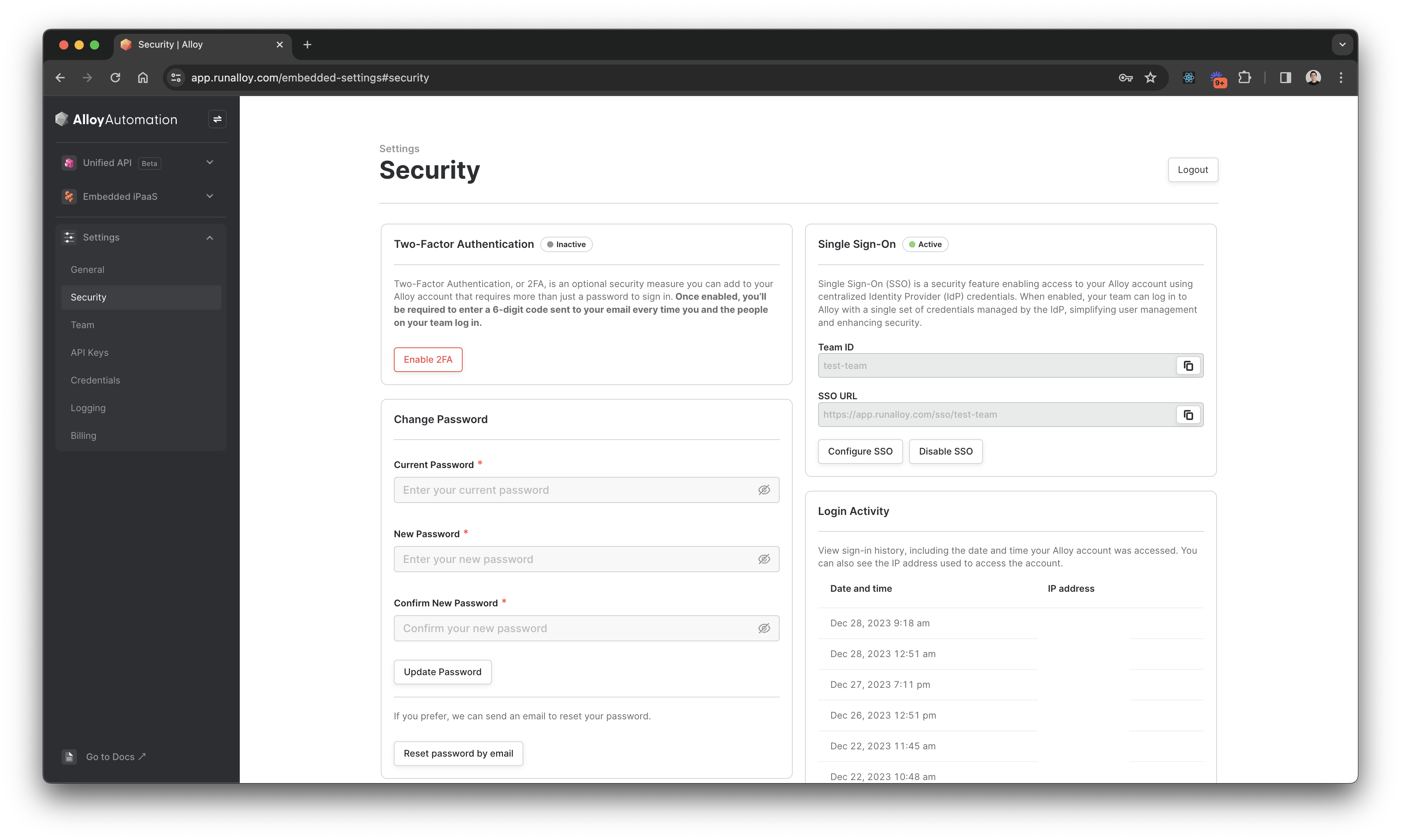
To enable 2FA, navigate to Settings > Security and select Enable 2FA. You will be prompted to enter your password. Afterwards, Alloy Embedded will send you a code to verify your identity.
Once you've entered this code, each time you log in, we will require an email code.
Wrapping Up
It's easy and fast to enable Two Factor Authentication in Alloy Unified API.