Creating an Ad
In this guide, we'll walk through the process of creating Facebook ads using Alloy's integration capabilities.
Use Case Overview
Imagine you have an application that needs to automate the creation of Ads for various marketing campaigns. You'll want to set up a workflow that can create new Ads.
Let's get started!
Creating an Ad
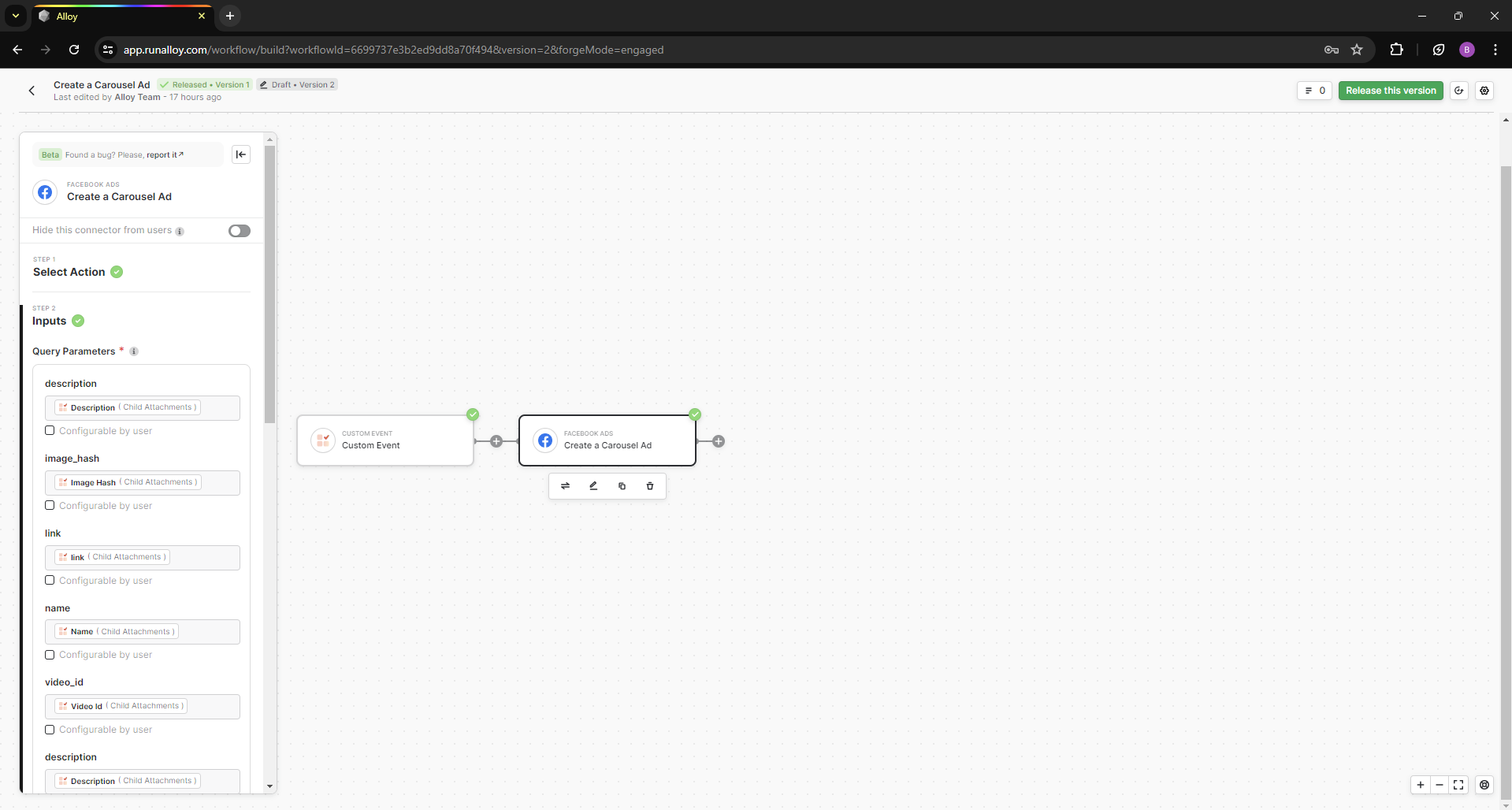
Create a new workflow. For the trigger, we'll select Custom Event as our trigger. This trigger will allow you to send a defined payload to Alloy that will invoke this workflow.
Now lets add a marketing connector, in our example we will be using Facebook Ads. Select the Create a Carousel Ad action and map your values from the custom event into the input fields to complete this workflow.
Wrapping Up
Creating Facebook ads through Alloy allows for efficient automation and optimization of your marketing efforts. Here’s a summary of what we covered in this tutorial:
- Campaign Creation: Automated the process of creating new ad campaigns on Facebook.
By leveraging Alloy’s integration capabilities, you can streamline your advertising workflow and enhance campaign effectiveness.